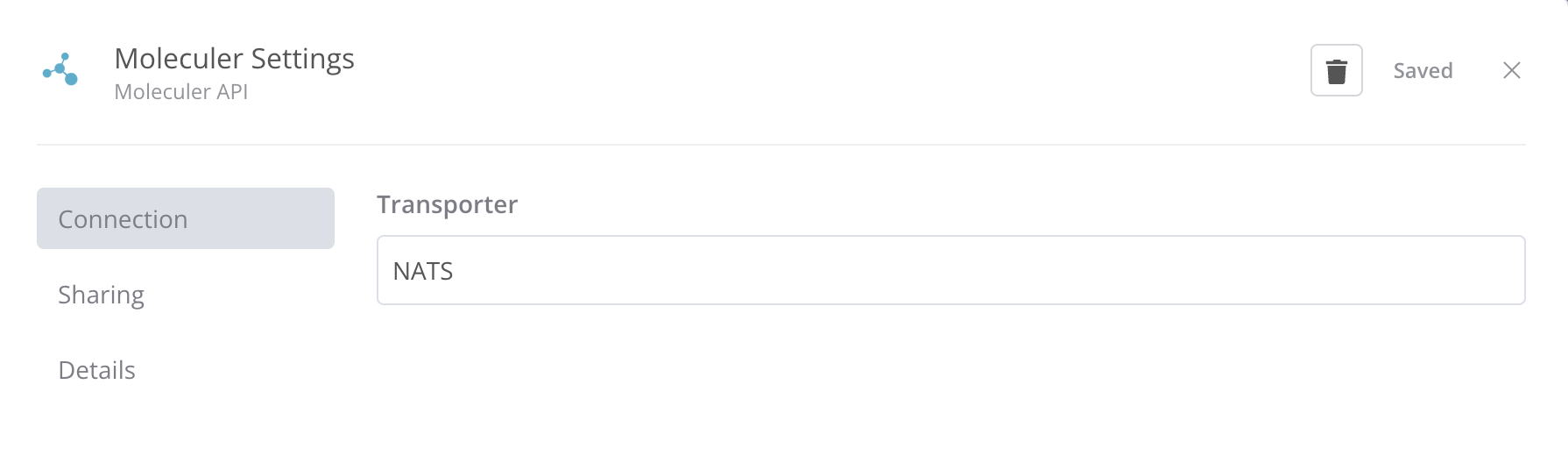
Description
How to install a n8n-nodes-moleculer
- Go to Settings > Community Nodes.
- Select Install.
- Enter the npm package name, and version number if required. Example: "n8n-nodes-moleculer"
- Agree to the risks of using community nodes: select I understand the risks of installing unverified code from a public source.
- Select Install. n8n installs the node, and returns to the Community Nodes list in Settings.
For more information, please click here.
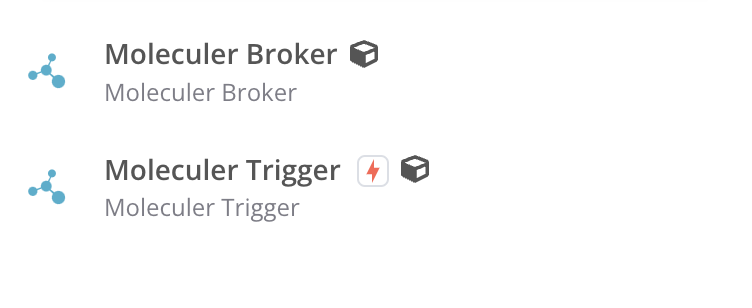
Broker Configs
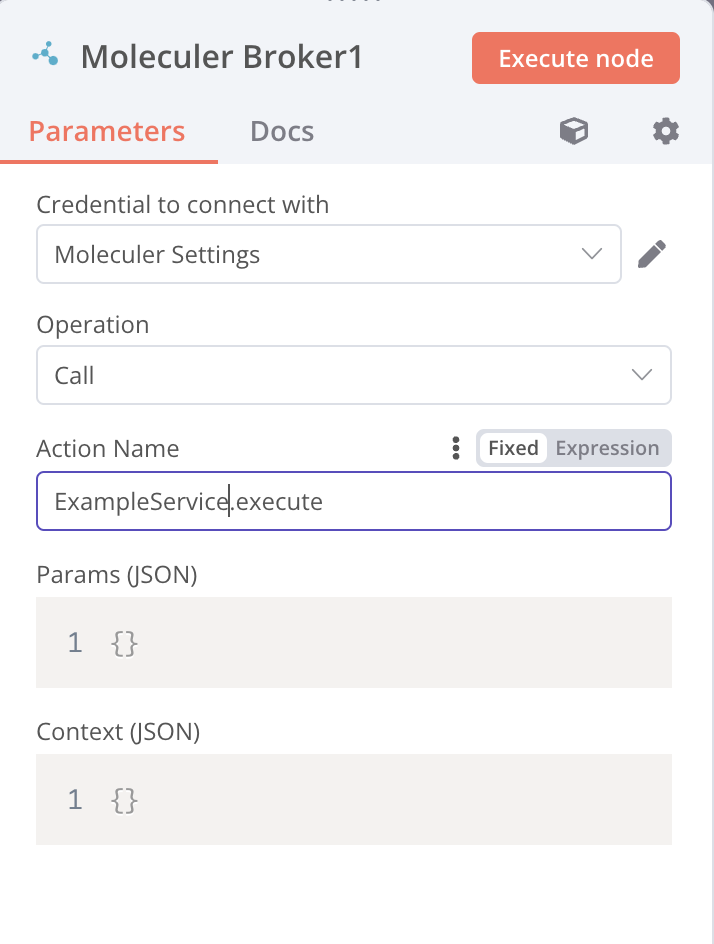
Settings