
Description

MultiWA
Self-hosted WhatsApp API gateway with a built-in team inbox









Quick Start •
Features •
Screenshots •
Architecture •
API Docs •
SDKs •
Deployment •
Release Checks •
Contributing
—
> [!WARNING]
> MultiWA is not affiliated with WhatsApp or Meta. It connects through WhatsApp Web, and WhatsApp can block or log out numbers that break its terms. Use a number you can afford to lose, and follow WhatsApp’s policies.
🎯 What is MultiWA?
MultiWA is a fully self-hosted, open-source WhatsApp API gateway that lets you connect multiple WhatsApp numbers through a single unified REST + WebSocket API. It runs as a docker compose up stack on your own server, ships an admin dashboard for QR onboarding and live chat, and exposes official SDKs for TypeScript, Python, and PHP.
If you want to send and receive WhatsApp messages from your own backend without per-message pricing, vendor lock-in, or sending customer data through a third party, MultiWA is built for you.
✨ Why MultiWA?
| Feature | MultiWA | WhatsApp Cloud API | Evolution API |
|———|———|——————-|—————|
| Self-hosted | ✅ Full control | ❌ Meta-hosted | ✅ |
| WhatsApp connection | WhatsApp Web via whatsapp-web.js (a Baileys adapter is experimental) | Meta’s official Cloud API | Baileys or the official Cloud API |
| Admin Dashboard | ✅ Full-featured | ❌ None | ⚠️ Basic |
| Visual Automation | ✅ Drag & drop builder | ❌ | ❌ |
| Knowledge Base AI | ✅ OpenAI-compatible | ❌ | ❌ |
| Plugin System | ✅ Extensible | ❌ | ❌ |
| Free | ✅ MIT License | ⚠️ Per-message pricing | ✅ |
| Official SDKs | ✅ TS, Python, PHP | ✅ Multiple | ⚠️ Community |
⭐ If you find MultiWA useful, please consider giving it a star!
It helps us grow and motivates continued development.

—
🚀 Quick Start
Option 1: Docker — One Command Setup ⚡
git clone https://github.com/ribato22/MultiWA.git
cd MultiWA
cp .env.docker .env
docker compose up -d
That’s it! Access:
- 🖥️ Admin Dashboard: http://localhost:3001
- 📖 API Swagger Docs: http://localhost:3333/api/docs
- 🔌 API Endpoint: http://localhost:3333/api/v1
> Full stack (with S3 storage + Nginx proxy): docker compose --profile full up -d
> 📦 **Published SDK packages, signed container images, and a one-click Render
> deploy are rolling out** — see Releasing & Distribution.
Option 2: Local Development
Prerequisites: Node.js ≥ 20 · PostgreSQL ≥ 16 · Redis ≥ 7 · pnpm ≥ 9
git clone https://github.com/ribato22/MultiWA.git
cd MultiWA
pnpm installcp .env.example .env
Setup database (no migrations dir — db push syncs the schema)
pnpm --filter database exec prisma generate
pnpm --filter database exec prisma db pushBuild workspace packages
pnpm --filter database build
pnpm --filter engines buildStart development
pnpm --filter api dev # API on http://localhost:3000
pnpm --filter admin dev # Admin on http://localhost:3001
—
⚡ Features
Core
sendReaction and resolveIdentity are stubs and history sync / WhatsApp-addressbook contact save are whatsapp-web.js-only; see Engine Abstraction)call.* webhooks; call links need whatsapp-web.js (see Webhook Events)Admin Dashboard
Automation & AI
Integrations
Enterprise
/metrics (API, root path) + /metrics on the worker health port: default Node/process metrics plus BullMQ queue depth. Public like /health — restrict at your proxy/firewall background jobs; with DURABLE_SEND=true outbound sends are enqueued (Redis)
and delivered with retry, and with ENGINE_HOST=worker the worker can host
the WhatsApp engine itself (default: engine runs in the API process)
—
📸 Screenshots
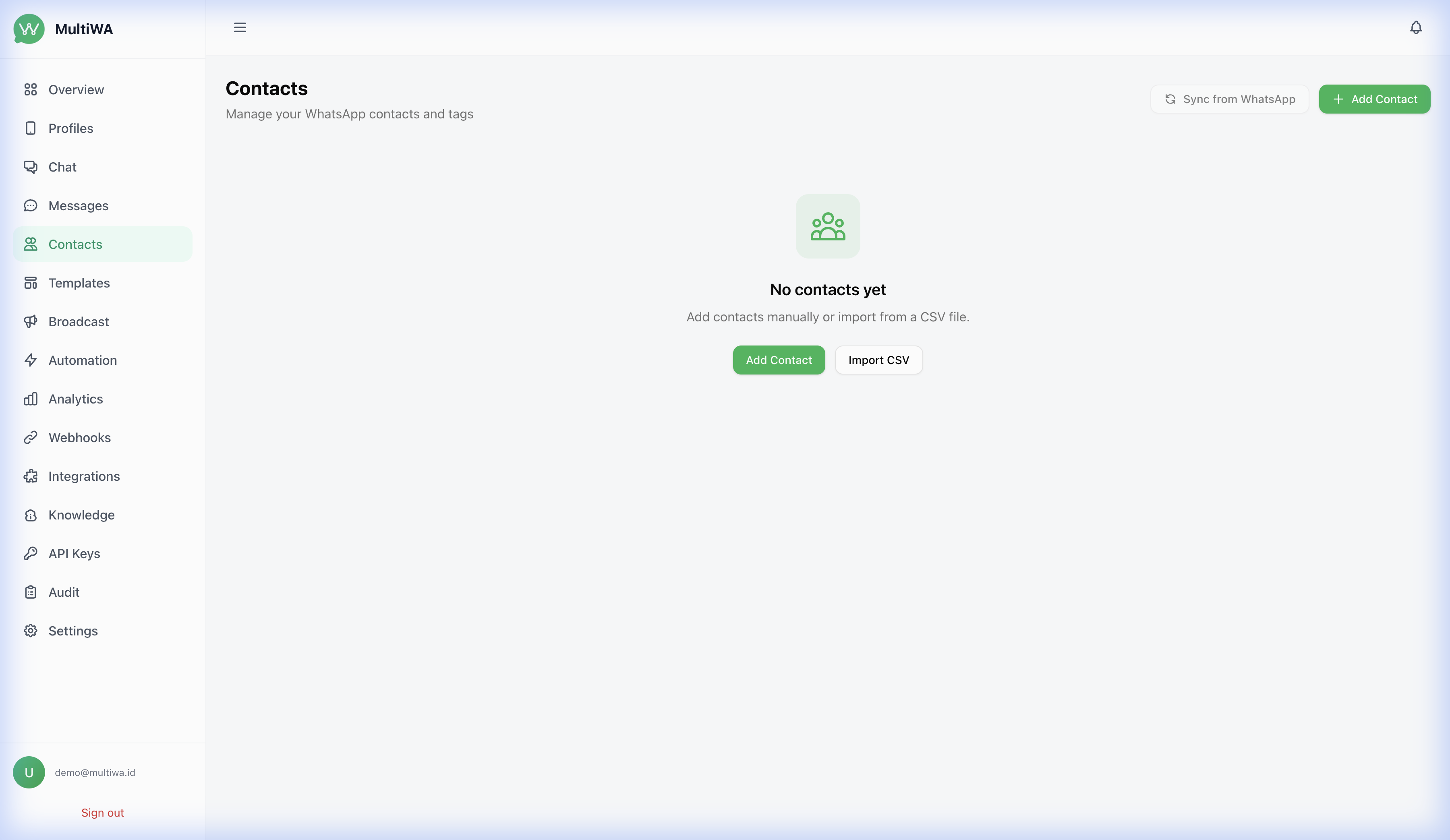
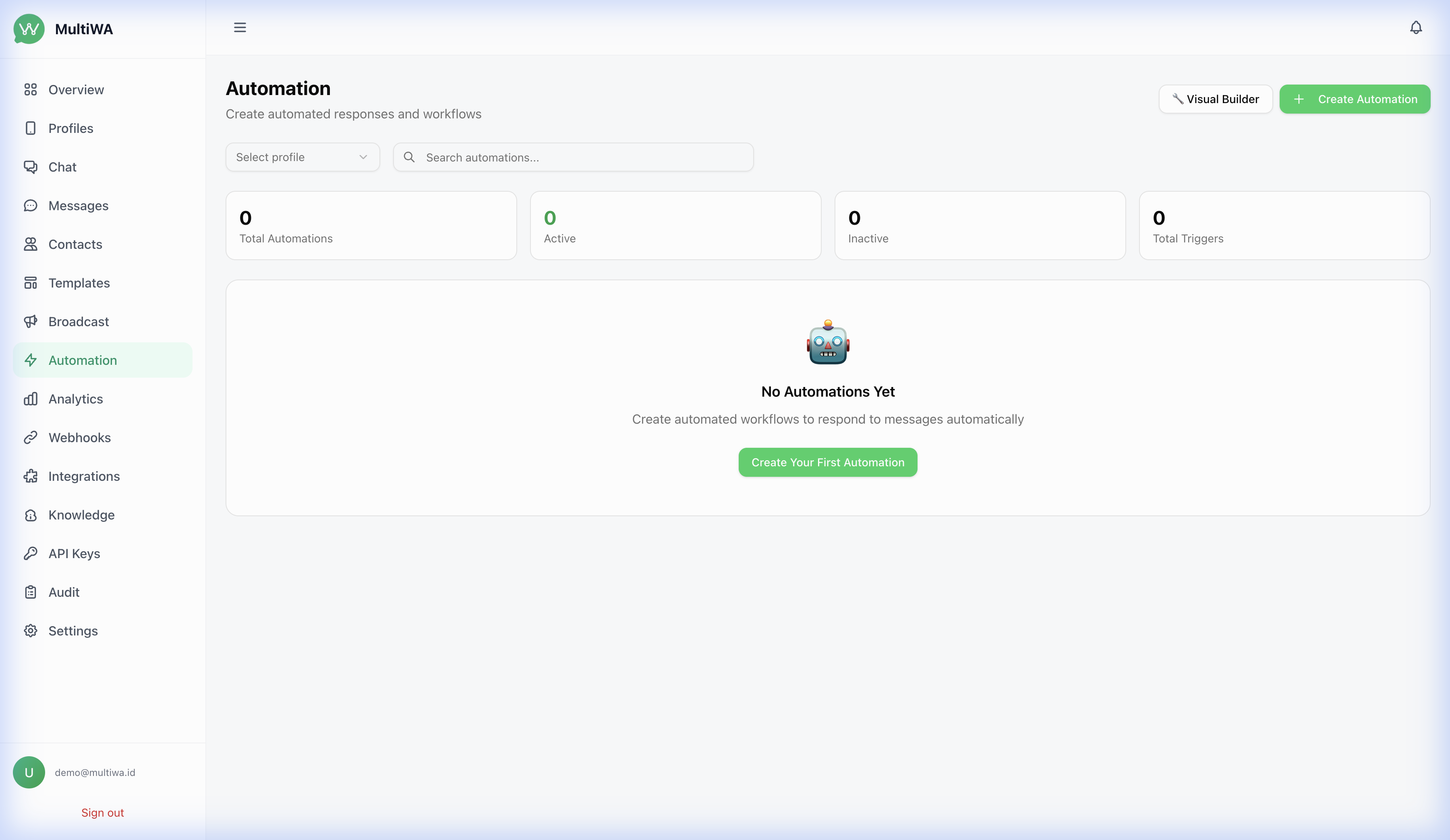
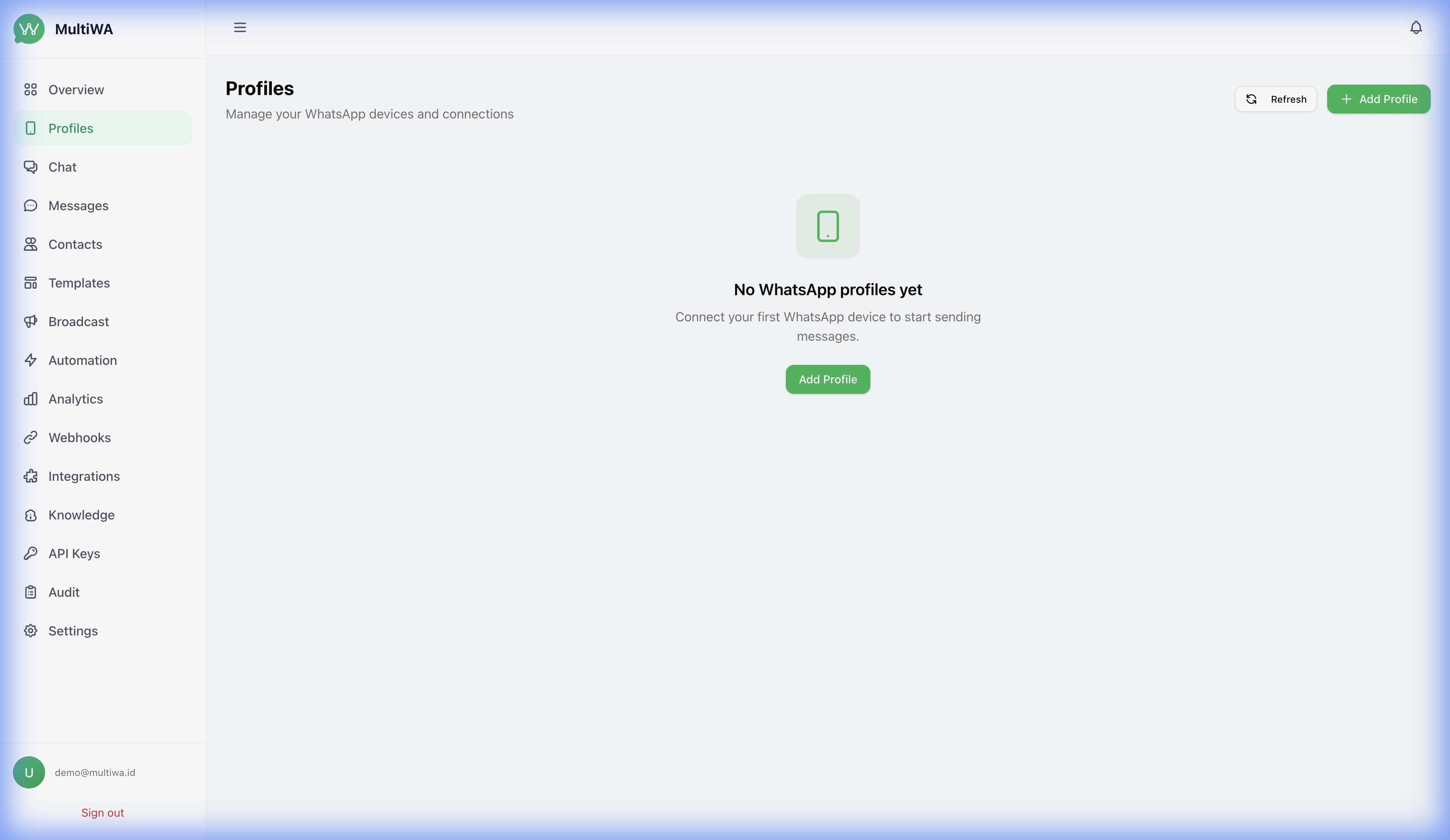
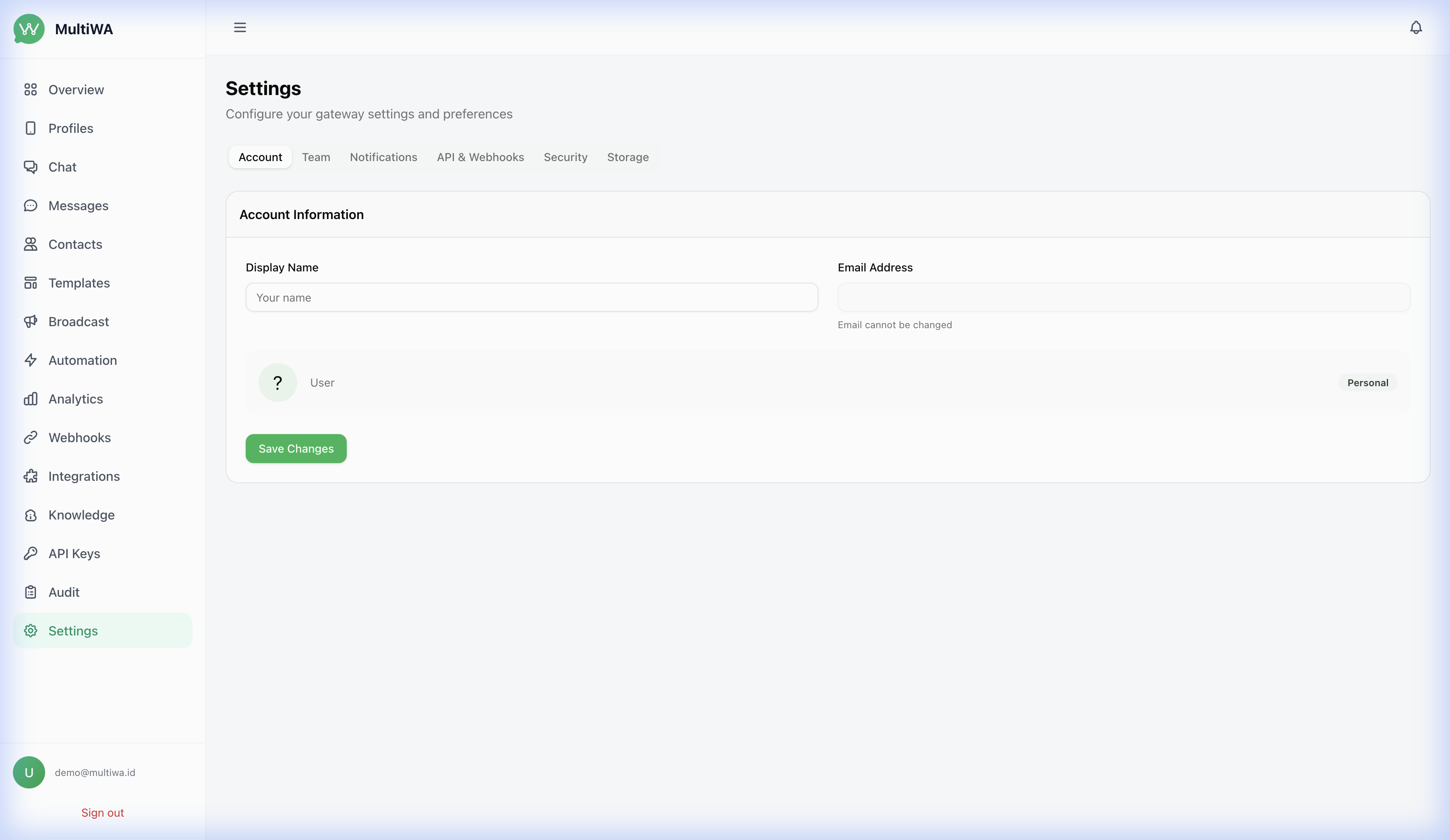
—
🏗️ Architecture
┌──────────────────────────────────────────────────────────┐
│                    Nginx (SSL / Proxy)                   │
├──────────────────────┬───────────────────────────────────┤
│  Admin (Next.js)     │  API (NestJS / Fastify)           │
│  Port 3001           │  Port 3333 (Docker)               │
│                      │  Port 3000 (local dev)            │
│                      │  ├─ /api/v1  REST + Swagger UI    │
│                      │  └─ /socket.io  realtime events   │
│                      ├───────────────────────────────────┤
│                      │  WhatsApp Engine Adapters         │
│                      │  ├─ whatsapp-web.js               │
│                      │  └─ Baileys (experimental)        │
├──────────────────────┴───────────────────────────────────┤
│  Worker (BullMQ)  │  PostgreSQL 16  │  Redis 7           │
└──────────────────────────────────────────────────────────┘
Tech Stack
| Layer | Technology |
|——-|———–|
| API | NestJS 10 + Fastify |
| Admin | Next.js 14 + Tailwind CSS |
| Database | PostgreSQL 16 + Prisma ORM |
| Cache/Queue | Redis 7 + BullMQ |
| WhatsApp | whatsapp-web.js (production) / Baileys (experimental) |
| Auth | JWT (access + refresh tokens) |
| Realtime | Socket.IO |
| Container | Docker + Docker Compose |
| CI/CD | GitHub Actions |
—
📖 API Documentation
Full interactive API documentation is available at /api/docs (Swagger UI).
Example: Send a Text Message
curl -X POST http://localhost:3333/api/v1/messages/text
  -H "Authorization: Bearer YOUR_TOKEN"
  -H "Content-Type: application/json"
  -d '{
    "profileId": "profile-uuid",
    "to": "6281234567890",
    "text": "Hello from MultiWA! 👋"
  }'
Example: Connect a WhatsApp Session
curl -X POST http://localhost:3333/api/v1/accounts/YOURACCOUNTID/profiles/YOURPROFILEID/connect
  -H "Authorization: Bearer YOUR_TOKEN"
> 📚 See the full documentation site for detailed guides, API reference, webhook events, and more. Source docs are in the docs/ directory.
—
📦 SDKs
The TypeScript SDK is published on npm (npm install @multiwa/sdk), the
Python SDK on PyPI (pip install multiwa), the PHP SDK on Packagist
(composer require multiwa/multiwa-php), and the n8n community node on npm
(npm install n8n-nodes-multiwa).
| Language | Source | Status |
|———-|——–|——–|
| TypeScript/Node.js | packages/sdk | Published on npm · npm install @multiwa/sdk |
| Python | packages/sdk-python | Published on PyPI · pip install multiwa |
| PHP | packages/sdk-php | Published on Packagist · composer require multiwa/multiwa-php |
| n8n community node | packages/n8n-nodes-multiwa | Published on npm · npm install n8n-nodes-multiwa |
TypeScript SDK Example
npm install @multiwa/sdk
import { MultiWAClient } from '@multiwa/sdk';const client = new MultiWAClient({
// Docker default: 'http://localhost:3333/api/v1'
// Local dev default if you omit baseUrl: 'http://localhost:3000/api/v1'
baseUrl: 'http://localhost:3333/api/v1',
apiKey: 'your-api-key',
});
// Send a text message
await client.messages.sendText({
profileId: 'profile-uuid',
to: '6281234567890',
text: 'Hello! 👋',
});
—
🗂️ Project Structure
MultiWA/
├── apps/
│   ├── api/             # NestJS backend API
│   ├── admin/           # Next.js admin dashboard
│   └── worker/          # BullMQ background worker (can host the engine)
├── packages/
│   ├── core/            # Shared types and utilities
│   ├── database/        # Prisma schema and migrations
│   ├── engines/         # WhatsApp engine adapters (whatsapp-web.js, Baileys, mock)
│   ├── engine-runtime/  # Shared engine helpers (ack status, media, send gate, …)
│   ├── sdk/             # TypeScript SDK (@multiwa/sdk)
│   ├── sdk-python/      # Python SDK (multiwa)
│   ├── sdk-php/         # PHP SDK (multiwa/multiwa-php)
│   ├── n8n-nodes-multiwa/ # n8n community node (n8n-nodes-multiwa)
│   ├── chatwoot-bridge/ # Chatwoot integration
│   └── wordpress-plugin/# WordPress contact-form plugin
├── plugins/             # Plugin directory (runtime loadable)
├── docker/              # Dockerfiles + nginx reverse-proxy config
├── docs/                # Public documentation (mirrored into docs-site)
├── docs-site/           # Docusaurus documentation site (+ GitHub Pages build)
├── landing/             # Static landing page assets
├── scripts/             # Release-gate scripts and utilities
└── .github/workflows/   # CI, release-gate, docker-publish, docs-deploy
—
🐳 Production Deployment
Detailed deployment guide: docs/16-deployment-docker.md
1. Clone and configure
git clone https://github.com/ribato22/MultiWA.git
cd MultiWA
cp .env.production.example .env
Edit .env with your settings (JWTSECRET, DBPASSWORD, etc.)
2. Build and start (with all optional services)
docker compose --profile full up -d --build3. Sync the database schema (the API container also does this automatically
on startup; run manually only if you need to force it)
docker exec multiwa-api npx prisma db push --schema=packages/database/prisma/schema.prisma4. Access
API: http://your-server:3333/api/docs
Admin: http://your-server:3001
> 💡 For advanced production setups (custom Nginx, external PostgreSQL, SSL), see the
> docker-compose.production.yml which is optimized
> for enterprise deployments with pre-configured Nginx reverse proxy.
—
✅ Release Checks
Every push to main and every pull request runs the Release Gate
workflow at .github/workflows/release-gate.yml.
It performs three checks:
pnpm check:public-boundary. Hard-fails on PEM private key blocks, merge conflict markers, and RFC1918 private IP
literals in non-doc tracked files.
pnpm check:api-contract. Diffs the source controllers in apps/api/src against
scripts/api-routes.snapshot.json
and against the table rows in
docs/07-api-specification.md. If any
side drifts, the gate fails with a precise list of routes that are
added, removed, or missing from the docs.
working file or note slips into the public tree.
Run the gate locally before opening a PR:
pnpm check:release
When you change a controller, also refresh the snapshot so the docs-drift
check stays in sync:
pnpm check:api-contract:update
See docs/release-checklist.md for the full
maintainer release flow.
—
🤝 Contributing
Contributions are welcome. See CONTRIBUTING.md for the
full guide.
1. Fork the repository.
2. Create your feature branch (git checkout -b feature/amazing-feature).
3. Make your changes, then run pnpm check:release to confirm the release
gate still passes.
4. Commit (git commit -m 'feat: add amazing feature').
5. Push to the branch (git push origin feature/amazing-feature).
6. Open a Pull Request.
The Release Checks section above explains what the
gate enforces. For controller changes, also see
CONTRIBUTING.md → Release Checks.
—
📄 License
This project is licensed under the MIT License — see the LICENSE file for details.
—
🔗 Links
—
Made with ❤️ by the MultiWA team


