Description
n8n-nodes-chat33
n8n community node for Chat33: schedule and publish posts
to Instagram, Facebook, TikTok, YouTube, X, LinkedIn, Bluesky and Threads, read
and answer Instagram, Facebook and WhatsApp DMs, and start workflows when a DM
arrives or a lead is captured.
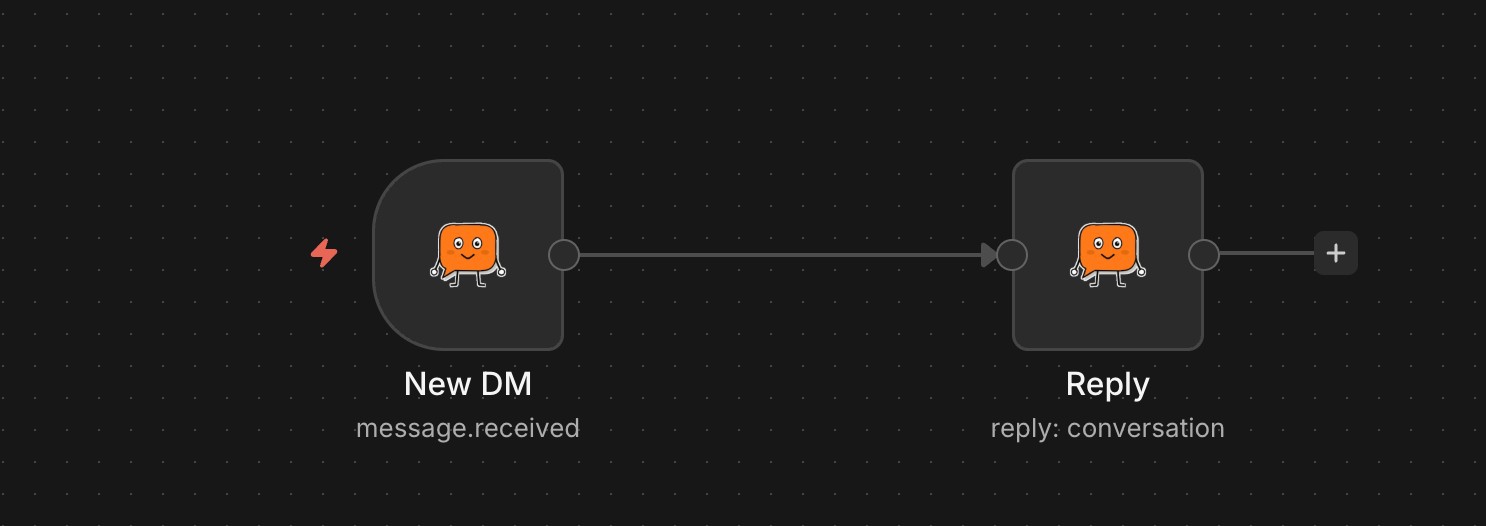
!Chat33 Trigger answering new DMs with Conversation → Reply
Installation
In n8n: Settings → Community Nodes → Install → n8n-nodes-chat33.
Credentials
Create an API key in Chat33 → Settings → API Keys and paste it into the
Chat33 API credential. Scopes needed: accounts:read, posts:read,
posts:write, media:write; for Conversation and the Chat33 Trigger also
inbox:read and inbox:write.
Resources & Operations
| Resource | Operations |
|———-|———–|
| Account | Get Many (channel list — powers the account dropdowns) |
| Post | Create, Validate, Get, Get Many, Delete, Duplicate, Get Logs |
| Media | Upload (binary file or public URL) |
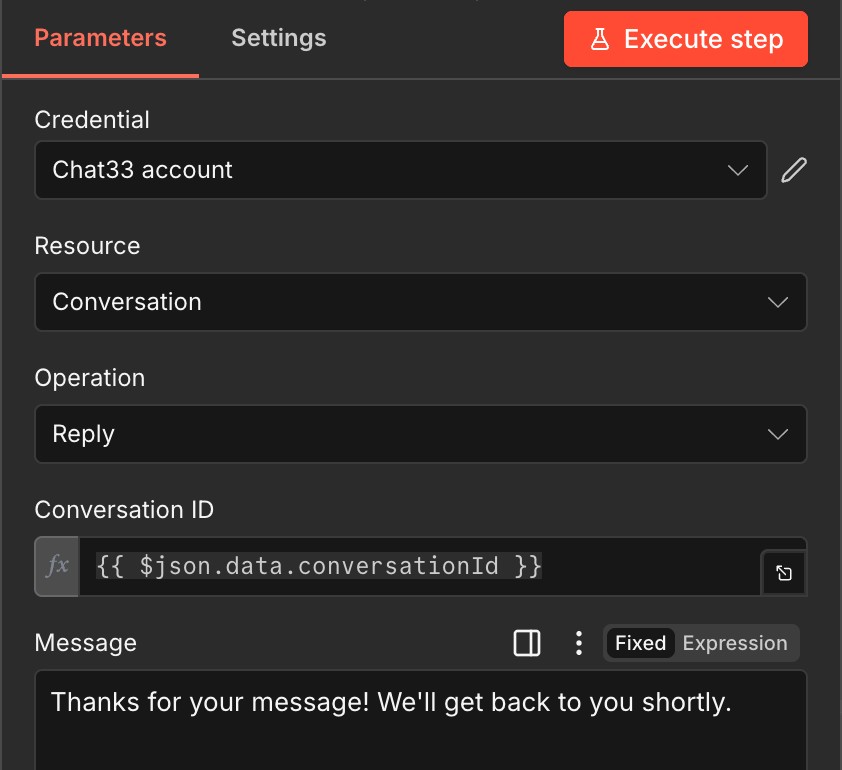
| Conversation | Get Many, Get, Get Messages, Reply (text) |
Supported platforms: Instagram, Facebook, TikTok, YouTube, X, LinkedIn, Bluesky, Threads.
Chat33 Trigger
Starts a workflow on Message Received (a new Instagram, Facebook or
WhatsApp DM) or Lead Captured (a contact left an email or phone in a DM
flow). Answer with Conversation → Reply using data.conversationId.
- Chat33 has one webhook per workspace. Activating the trigger saves its URL
- Every request is checked against the workspace secret
- Instagram and Facebook allow replies within 24 hours of the contact’s last
- Multi-account posts wait for every account. A failure on one account
- Scheduled posts skip the wait — a post queued for next month can’t go
- On timeout (default 5 minutes, configurable) still-publishing posts come back
- Retries never post twice. Every create carries an External Reference
- YouTube — tick it on every YouTube post. YouTube/FTC mandates the
- TikTok — leave it unticked and the video lands in your TikTok drafts
- Instagram — First Comment is posted right after publishing, which is
- X — Post as Thread splits the text on a separator and chains each chunk
- LinkedIn — visibility and article card fields; everything you leave blank
- Facebook — caption override.
- Bluesky — caption override (300 characters).
- Threads — topic tag, reply permissions, poll (2 to 4 options), link card
there; it refuses to start while another URL is saved (a custom bot or another
workflow), so it never overwrites one. Deactivating removes only its own URL.
(X-Chat33-Signature, HMAC-SHA256) and refused when older than 5 minutes.
message (data.replyWindowEndsAt).
Media size limits
| Input type | Ceiling | How it works |
|————|———|————–|
| Binary File | 500 MB | The node requests a presigned URL and uploads the bytes straight to storage, so the Chat33 API is never in the data path. |
| URL | 4 GB | Chat33 streams the file from your public URL. |
For files over 500 MB, host the file somewhere publicly reachable and use the
URL input type.
Typical workflow
1. Media → Upload the image/video produced earlier in the workflow.
2. Post → Create: pick accounts from the dropdown, set text, paste the
uploaded URL, optionally schedule.
3. Poll Post → Get or set a callbackUrl to get publish status.
Wait for Delivery
Post → Create normally returns as soon as the post is queued — it goes live a
minute or two later via Chat33’s publisher. Turn on Wait for Delivery (under
Additional Options) and
the node polls until the post is actually live, then returns it with the final
externalPostUrl, ready for the next step in your workflow.
doesn’t fail the node: each post returns its own status (PUBLISHED /
FAILED + error message), so you can branch per platform with an IF node.
live inside this run, so it’s returned as QUEUED immediately.
in their current state rather than as an error — TikTok occasionally takes up
to an hour. Pair with a callbackUrl if you need a guaranteed notification.
(one per execution, run and item, or your own under Additional Options).
Chat33 publishes a reference once per account, so n8n’s Retry On Fail gets
back the post it already made instead of a second copy.
Platform settings
The account dropdown stores channel IDs, so the node cannot tell which
platforms you picked. Tick them under Configure Platform Settings and only
those collections appear.
Every platform Chat33 accepts settings for has a collection here, so nothing
needs hand-written JSON:
Made for Kids declaration and Chat33 rejects an upload without it. Privacy
defaults to public, so set Privacy if you want unlisted or private.
Scheduled posts ignore it: they upload as private and YouTube flips them at
the scheduled time. Also carries title, description, tags, category and
subscriber notification.
rather than publishing. Set Publish Mode to Direct Post to publish, which
also requires a Privacy Level. Options you don’t set are left alone, so
comments, duets and stitches stay enabled unless you turn them off.
where hashtags usually go so they stay out of the caption.
as a reply, plus reply permissions.
keeps the server-side default.
URL and sharing to your Instagram Story.
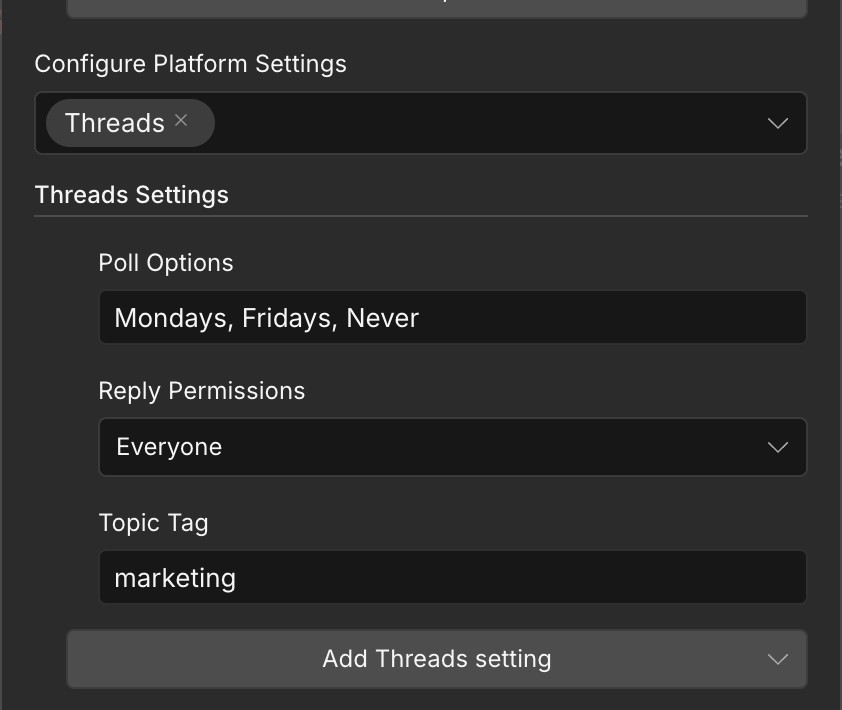
Each collection also has a Caption field that overrides the shared text for
that platform alone, so one node can send a different message to each network.
Anything not covered by the typed collections still goes in **Additional
Options → Platform Config (JSON)** — full schema at
https://chat33.io/api/v1/openapi.
License
MIT